 AniMates
Download AniMates
Everything is open for the first 14 days. No card, no account.
For Windows 10 and 11
Coming in November
AniMates for Windows arrives in November. Follow along for the first look: Instagram, TikTok, X, Bluesky.
On a Mac, or just curious? Try AniMates in your browser: the same scenes, people and pets, 14 days of everything.
What it needs
- Windows
- Windows 10 or 11, 64-bit
- Graphics
- Any graphics that run Windows 10 well, built-in ones included
- Disk
- About 500 MB free
- Screens
- One or several, any size up to 5K and ultrawide, each with its own widgets
- Internet
- For your weather, your licence check, updates and a small anonymous count you can turn off, and for your account if you make one. The scenes are drawn on your PC.
The first few minutes
- Run the installer. AniMates opens when it's done and takes the place of your desktop picture.
- Pick your home city for the weather, and whether it starts with Windows.
- Choose how Settings look: a slim sheet or a little book.
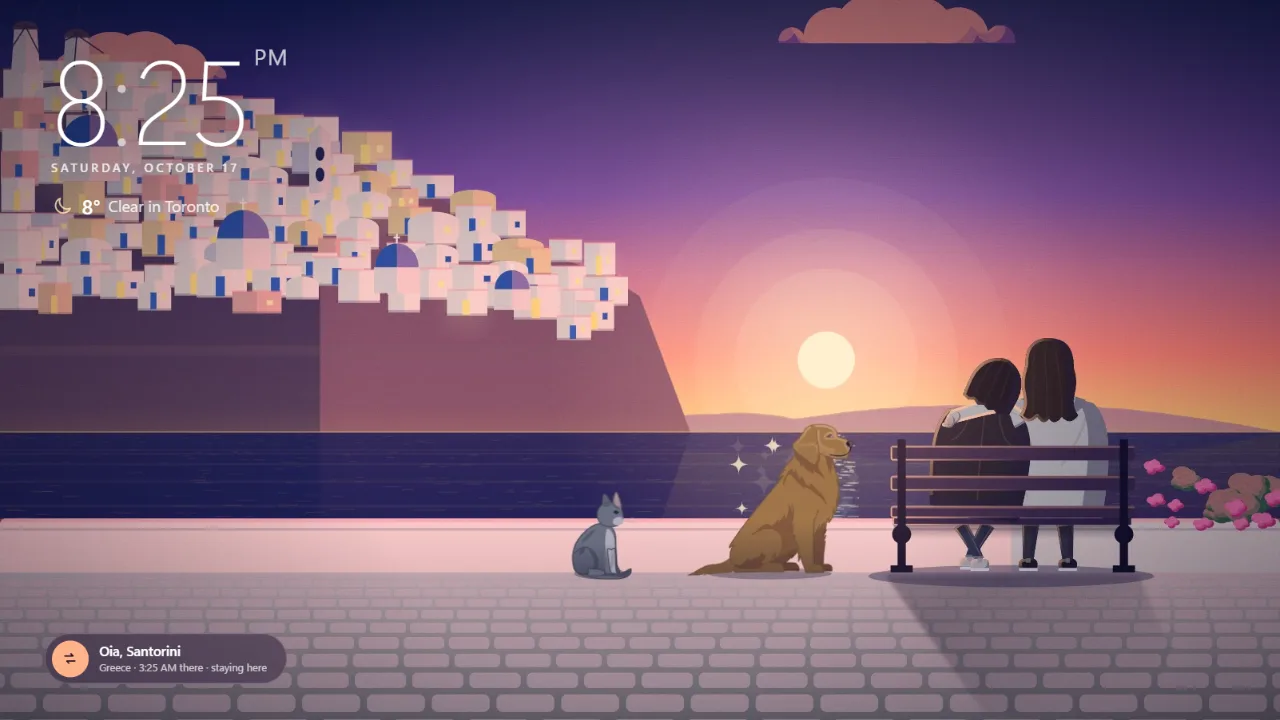
- Make who sits on the bench in the character maker, then add your special days.
Want your old desktop back? Quit AniMates from its icon in the taskbar corner and your own picture returns.
On a Mac?
AniMates is Windows first. A Mac version comes later, and phones after that. Your licence and your account will come with you.
Windows says it doesn't recognise the app?
New apps can get a SmartScreen notice until Windows has seen enough of them. If you downloaded AniMates from this site, choose More info, then Run anyway.